
cURL serves as an effective tool for requesting and transferring data from web pages. However, authentication often presents a challenge. In this guide, we’ll demonstrate how to configure cURL authorization for various authentication types:
- Basic authentication
- Bearer token based authentication
- Cookie authentication
Let’s dive in!
Basic Authentication With cURL
The basic auth credentials method represents one of the most established approaches for handling HTTP authentication. It involves providing fundamental credential data: username and password.
Basic auth example
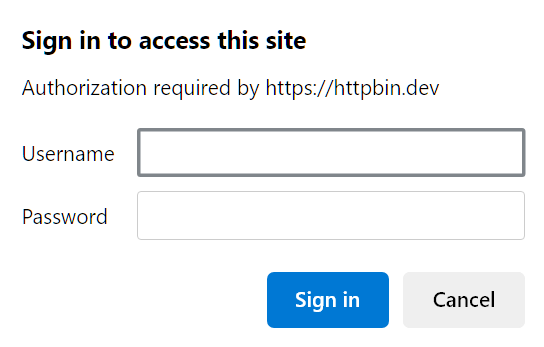
Authentication in the above image can be found at https://httpbin.dev/basic-auth/user/passwd. It requires entering the auth credentials before the request can proceed to the data.
To configure basic authentication with cURL, we can utilize the --user or -u cURL options followed by the --basic option to specify it as basic auth:
curl --user user:passwd --basic https://httpbin.dev/basic-auth/user/passwdThe above cURL command will enter the credentials data (user and passwd) to authorize the HTTP request. Here is the response of the above cURL command:
{
  "authorized": true,
  "user": "user"
}
Bearer Tokens With cURL
Bearer tokens represent widely-used authentication mechanisms for contemporary applications. These tokens are generated following the initial credential entry and serve to pass authorization headers for request authentication.
If we examine the previous authentication endpoint in the browser and refresh the page, we’ll discover the authorization header utilized with the HTTP request headers:
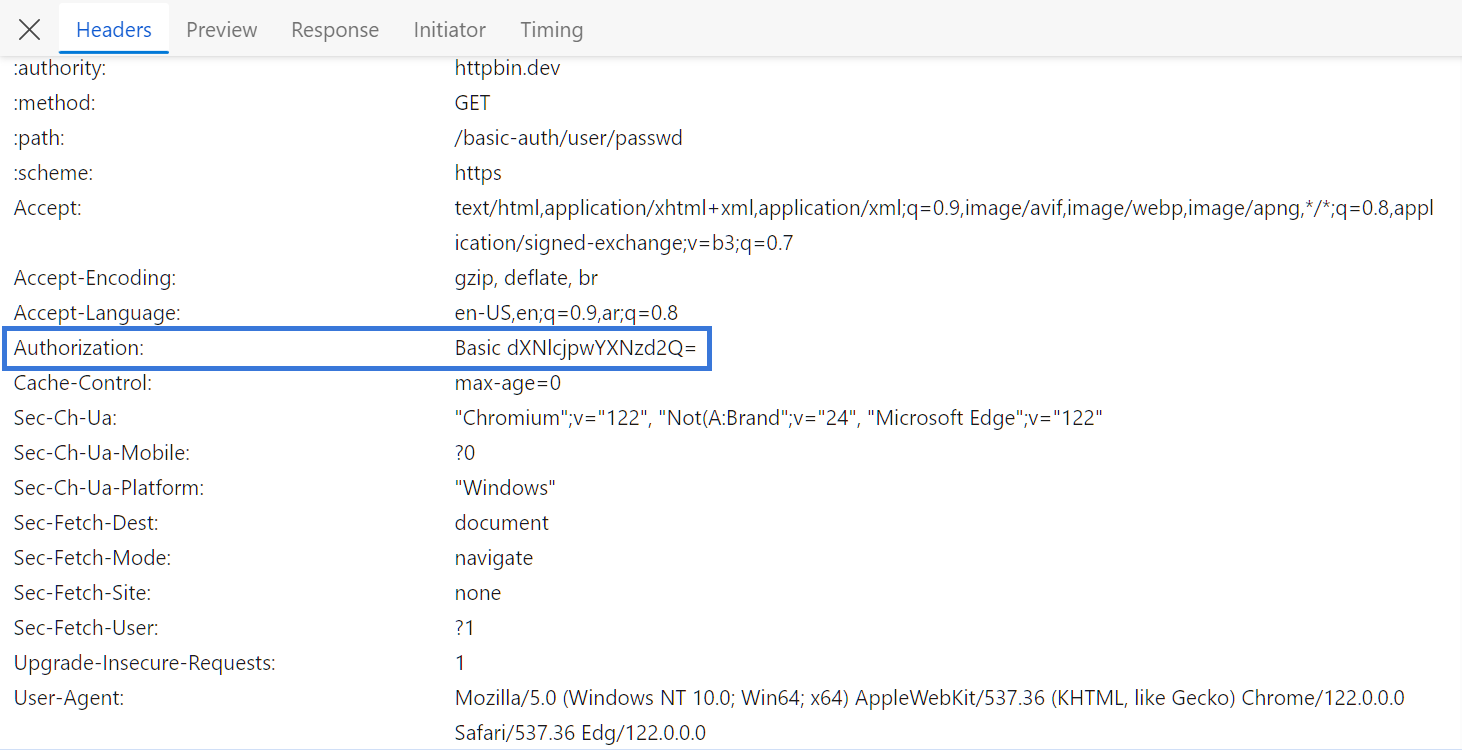
Authorization token on browser developer tools
To implement Bearer authentication with cURL, we’ll incorporate the Authorization header into cURL commands using the -H option:
curl -H "Authorization: Basic dXNlcjpwYXNzd2Q=" https://httpbin.dev/basic-auth/user/passwdFrom the response, we can observe that the cURL request was successfully authenticated:
{
  "authorized": true,
  "user": "user"
}
Authentication Cookies With cURL
Another prevalent authentication approach involves using cookies, which operate similarly to bearer tokens. Following successful credential validation, a cookie value is generated and stored to authorize subsequent requests.
For this demonstration, we’ll utilize the login page on web-scraping.dev:
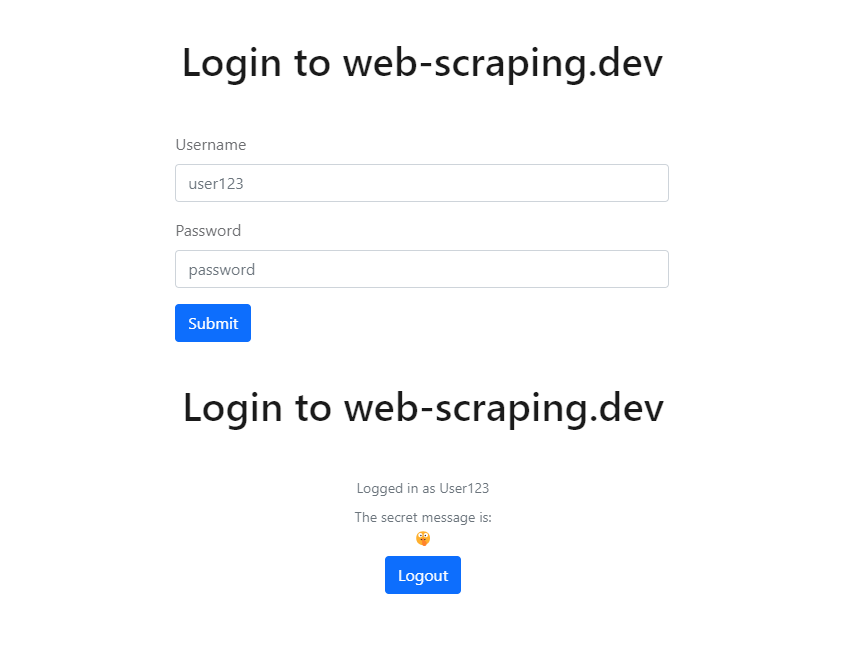

Login page on web-scraping.dev
The above page employs a login form for authentication. If we examine the cookies for this domain, we’ll discover a cookie value for authentication:
To manage cookie authentication with cURL, we’ll pass this cookie value to the cURL command using one of two methods:
- Adding it as a cookie value using the
-bcURL option - Adding the cookie value as a header using the
-HcURL option
curl -b "auth=user123-secret-token" https://web-scraping.dev/login
# or
curl -H "cookie: auth=user123-secret-token" https://web-scraping.dev/login
From the response, we can verify that the cURL command was authenticated successfully:
For additional information on cURL, including command configuration and web scraping applications, consult our comprehensive guide.